This guide explains how to use vPad when you have patients from multiple GP Practices
Background:
New GP practice can invite you to join their practice so they can see your patients which are registered with them.
Things to know:
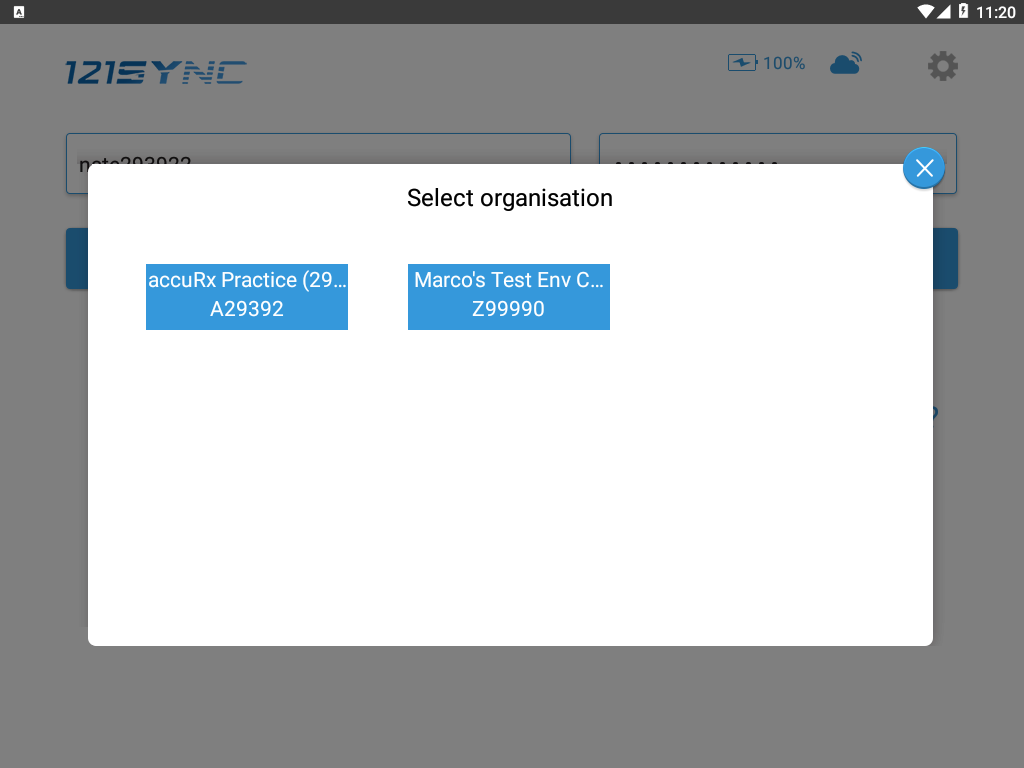
- When you log onto vPad, you would be asked to select a GP Practice. Once selected, you can only see the appointments sent from the selected GP Practice.
- To change your GP Practice, you need to log out and log in again.